×
  • News
  • Reviews
  • Guides
  • Features
  • Videos
  • News
  • Reviews
  • Guides
  • Features
  • Videos
Log in / Register
HARDWARE REVIEW

Epson EH-TW5210 Review

by Luke Walsh, September 11th, 2016

The Epson EH-TW5210 is a 3D ready, home cinema projector that is aimed at a home user instead of a business and is in the same range as the previously reviewed Epson EH-TW5350. The only bid difference between the two projectors is the features and a couple of tech specs but these differences make up £100 with the EH-TW5210 priced at £499 and the EH-TW5350 costing £599.

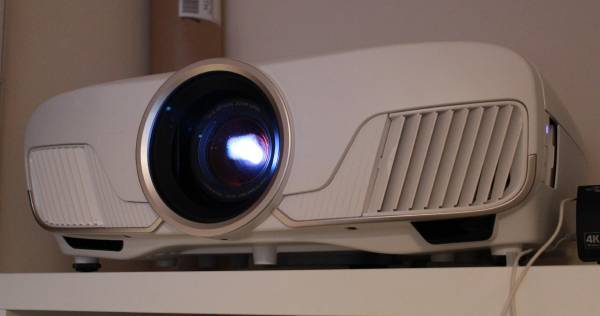
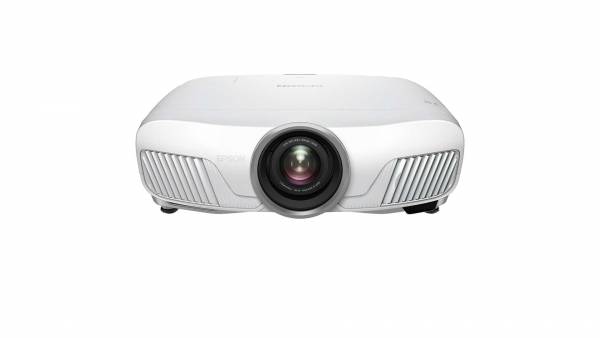
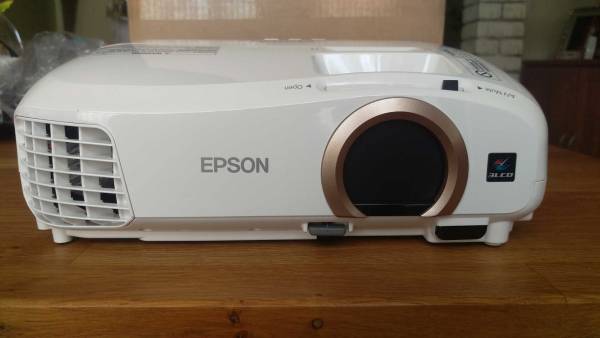
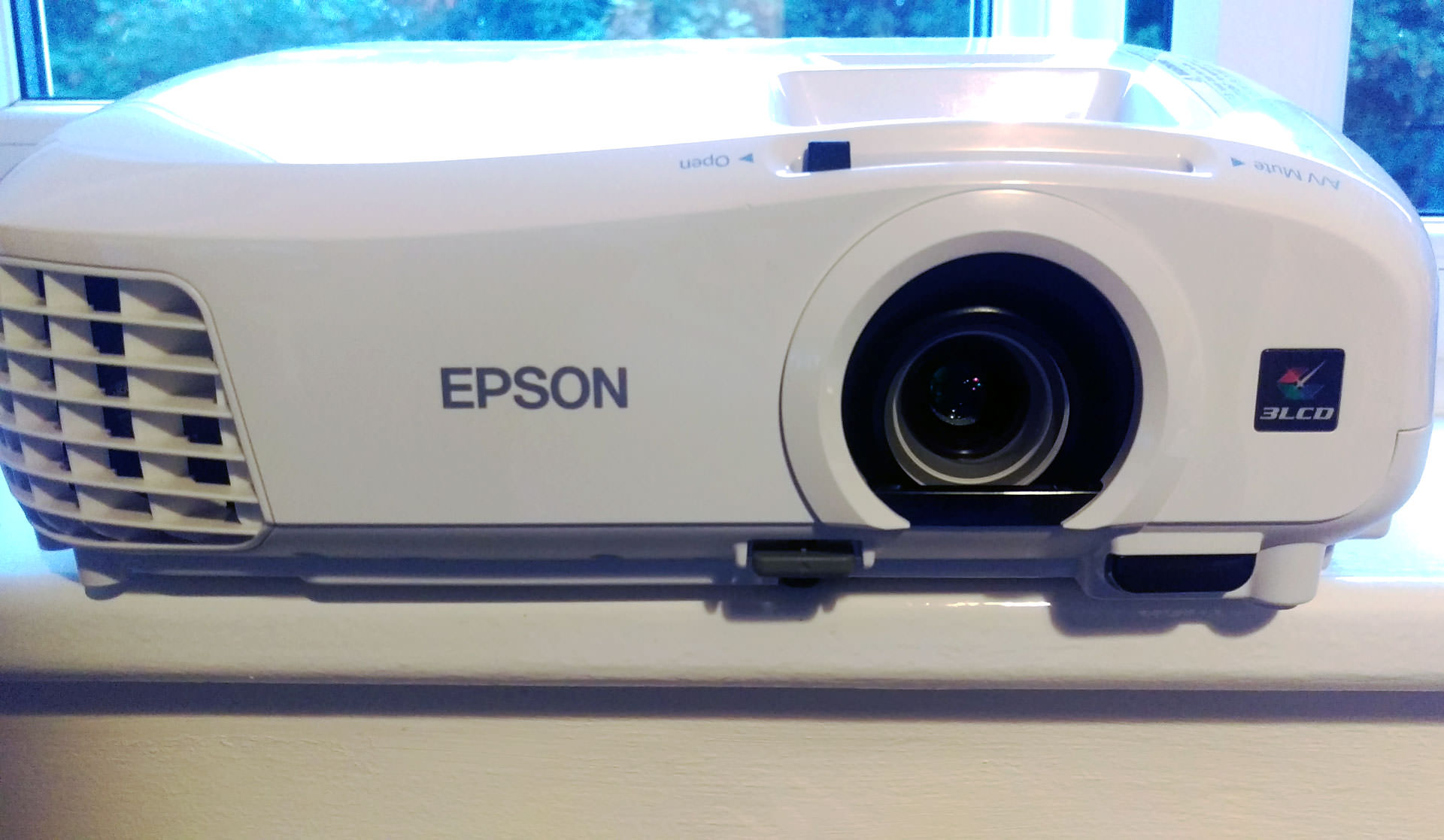
From the get go the two projectors look exactly the same, the both come in the rounded white glossy casing with the rear of the projector sitting much higher than the front side, making it look like it is slanting downwards from the front. Left to the lens is the fan exhaust which pushes out all the heat from the bulb as well as a secondary air vent on to the right of the lens.

Design wise, the EH-TW range is a nice looking projector, in a market where projectors are normally rectangular and dull colours, Epson have made a projector which will sit nicely in ones home and match a lot of modern room designs if you purchase your units etc from places like Ikea.

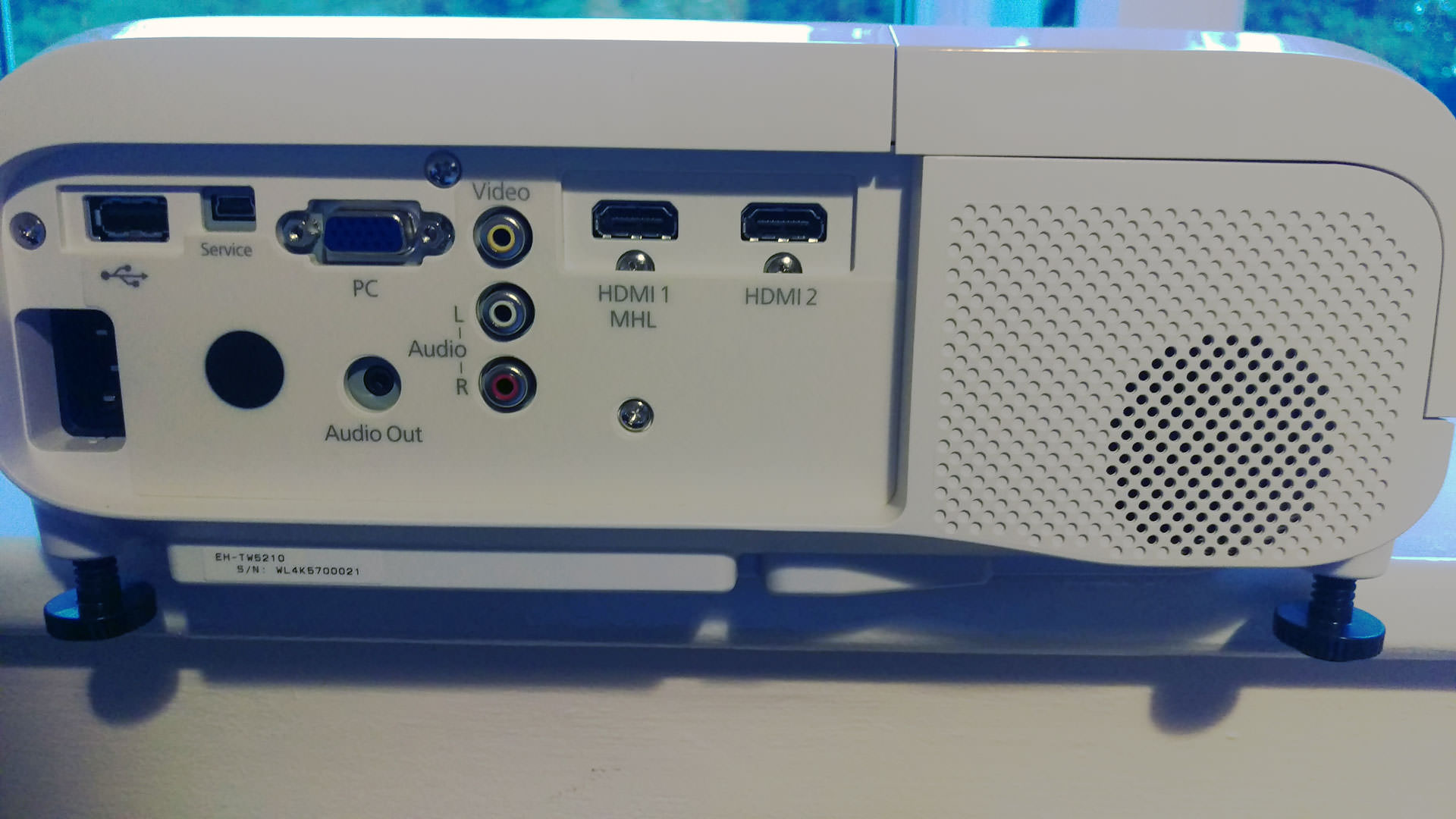
Exactly like the TW5350, the EH-TW5210 has a range of different set up aids which are bundled with the projector, on top is a range of buttons which help set the keystone control and a manual focus slider to get picture sharpness at the right distance away from your wall. Underneath the projector is a drop down leg that helps angle the projector upwards as well as legs on the rear which screw down to create the right angle for different surface levels. With the remote control you control the keystone as well as a handy tool that shows a blue rectangle grid to get the picture sitting correctly, useful for pointing the projector at an angle if you can not have it facing directly.
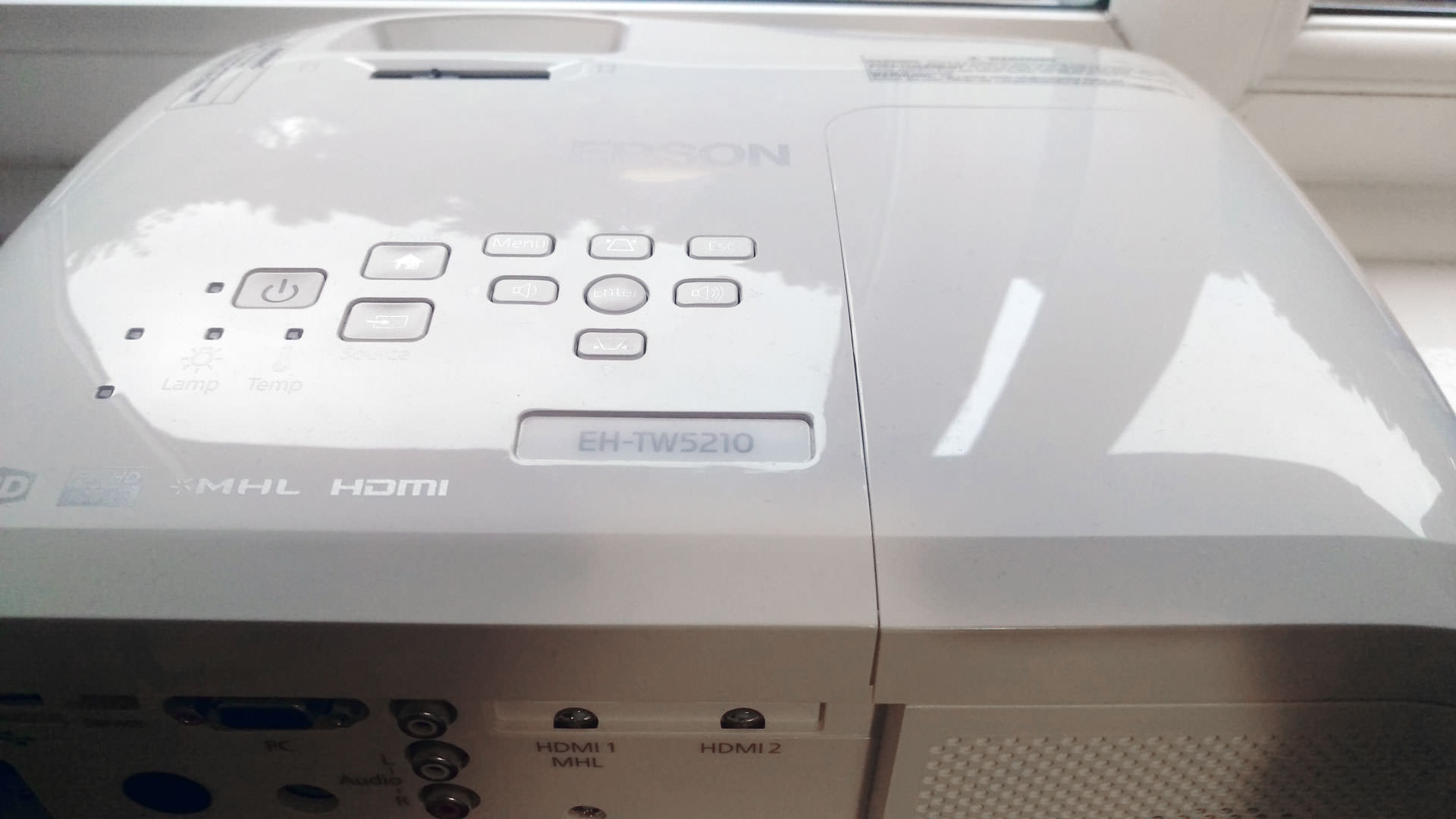
Specifications wise, it is almost identical to its more expensive brother delivering a full HD and 3D experience, with a contrast ratio of 30,000:1 (EH-TW5350 is 35,000:1) with a dynamic range to control the amount of light coming through the lens depending on the imagery being shown. From a brightness perspective, the EH-TW5210 can pump out 2,200 lumens in normal mode and 1,500 lumens on ECO mode which is useful to extend the projector bulb life. The ECO mode for myself did not really seem bright enough and like its brother the brightness was good but did get washed out when in natural sunlight.

Being the same machine, the bulb is set to last you up to 4000 hours on normal mode and over 7500 hours on ECO mode. Each mode also changes the amount of noise emitted from the machine, normal mode the noise comes in at 37dB and ECO mode is 27dB. The 10dB difference really comes from the heat of the lamp, due to the noise from the fan to lower the temperature. It is not the quietest of projectors but even on normal mode the sound from the fan is just not too loud for it not to be a problem, ECO mode runs even quieter and is closer to a lot of other projectors that marketed themselves as “the quitestest”

Optically, the projector is the same as its other brothers in the range with a 1.2 optical zoom and a projection ratio of 1.22-1.47 being able to project an image as small as 34 inches up to 332 inches. Sadly I was unable to test the projector at its max projection size but on a wall measuring 80 inches, it created a bright crisp image without any problem.

The biggest differences come from the features that the EH-TW5210 offers as well as come connectivity options compared to others in the same range. In terms of connections on the back of the hardware, it is the same as the EH-TW5350 with 2x HDMI ports, Cinch Audio, USB 2.0 mini type B and normal type A and a single VGA port. What is missing from the 5210 is the ability to connect to the projector via Wifi-Direct or Screen Casting which the more expensive projectors in the range are able to do, if you are not looking to connect wirelessly this should not be a problem.

Features within the projector are almost identical to the others in the range with it offering; 3D depth adjustment with 480hz drive, a built in speaker, frame interpolation, horizontal and vertical keystone correction (EH-TW5210 has manual vertical keystone correction), MHL interface. Where the features differ are the missing ability to connect via wifi, network projection and split screen functionality.

A lot of these features are added benefit if you like to cast from your phone to the projector directly or if you have stuff on the network you would like to watch straight from the projector. Personally, I used an Xbox One to do these things which reduce the need to have it built into the projector. Of course if you do not have a console, then having it all in one is a bonus if you need it but is not by any means a must have as it is depended on need.

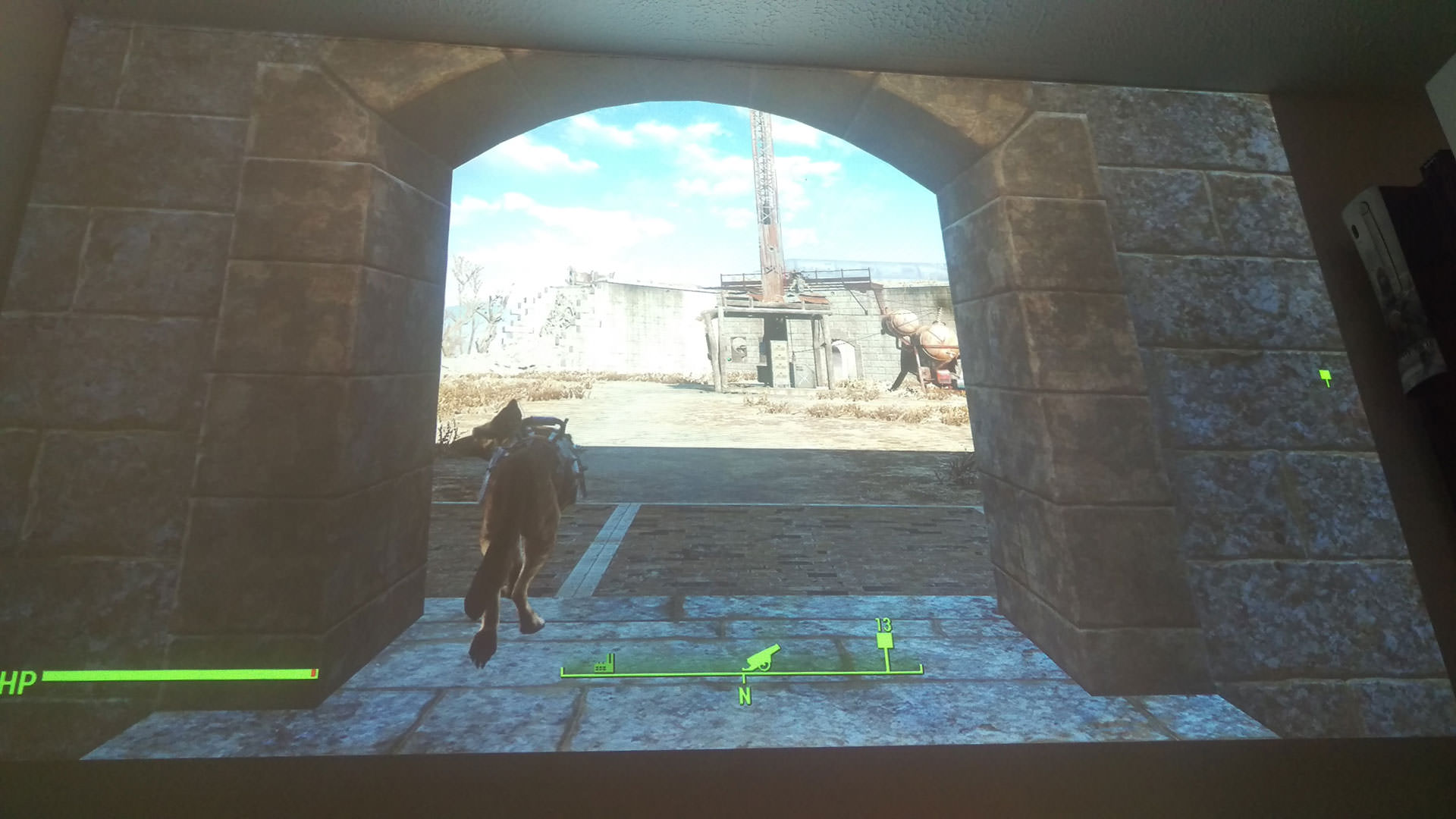
Testing the projector with Fallout 4 like I did with the EH-TW5350, it ran as far as I could tell exactly the same which is good when it uses the same components. The biggest difference was in the image brightness and level of depth with the colour in terms of blacks, in my previous review the one letdown I felt was the blacks were not dark enough and it seemed more apparent with the EH-TW5210. The picture quality overall was great, with nice HD visuals with a little jaggedness but fine for the price you pay but dark scenes lack their richness and overall looked a little washed out but still provided a decent level of detail. Comparing it to other projectors, there are some out there which have a better range in the blacks area.

For gaming the EH-TW range is great for its price, when in tense situations or fast past action, the projector kept up well and I did not notice any lag or slow down. Although it is marketed as a home cinema projector a gamer could use this really well and would not need to splash out on some fancy more expensive projector. It does sit at under the 30ms range if you make sure to set it on the fast image processing mode, for most gamers this will be perfectly fine unless you want to competitively play at 300 inches and need a lower latency projector.

Sound again on the 5210 from the internal speaker was acceptable, it is not rock concert loud but at max volume is able to produce levels higher than the fan will kick out on normal mode which is good if you have not got any external sound devices. There is distortion at the high levels, some of which I think comes from the speaker vibrating along the chassis of the plastic, when using a small external USB speaker I was able to get louder output without the distortion. In the end though, a speaker coming included is better than a silent projector.

Once final thing to mention, the remote again does not come with a backlight and the buttons are very close together, for a device which is best used in a dark room this is something which would be been the icing on the cake. Without it, using it in the dark is almost impossible but by any means is not the reason you should not get this projector (just worth noting).

Overall, Epson have took a home cinema projector which offers more and scaled it back slightly for those looking to save £100 on features they may never use. The EH-TW5210 is a great projector for under £500 and is pretty versatile being able to play films and work for video games without any noticeable issues.

9
If you only have a budget of £500 there is nothing close to what the EH-TW5210 can offer you. It works well in the dark and in natural light and exceeds expectations for a projector at its price.

Filed under: Epson Epson EH-TW5210 Epson EH-TW5350 Projector

Dell Unveils World’s First 4K UHD High-Brightness Laser Projector and New Curved Monitor
Epson XP-960 A3 Printer Reivew
BenQ W1090 Home Projector Review
Epson EH-TW 9300 Projector Review
Epson EH-TW7300 4K Projector Review
Epson EH-TW5350 Review
Powered by Magic
  • VGU
  • Platforms
  • Features
  • Reviews
  • Games

© 2025 VGU.

Insert/edit link

Enter the destination URL

Or link to existing content

    No search term specified. Showing recent items. Search or use up and down arrow keys to select an item.