×
  • News
  • Reviews
  • Guides
  • Features
  • Videos
  • News
  • Reviews
  • Guides
  • Features
  • Videos
Log in / Register
HARDWARE REVIEW

Razer Mamba 2015 Edition Review

by Luke Walsh, November 15th, 2015

The Razer Mamba 2015 edition is an updated version of the original with new RGB lighting, adjustable actuation force of the main buttons, a new sensor and up to 16,000 dpi.

My previous gaming mouse was the Logitech G602 which is wired, so naturally moving over to a wireless alternative there were some worries of battery drainage, precision and interference. With that said, having used the mouse for two weeks non-stop for work and gaming it was obvious how far wireless mice have come. Simple day-to-day tasks were easy and the Mamba felt smooth to use across the surface and precise. Whatever doubts there were, after using the mouse continually, it was obvious that lagging and jolting mouse cursors are a thing of the past.

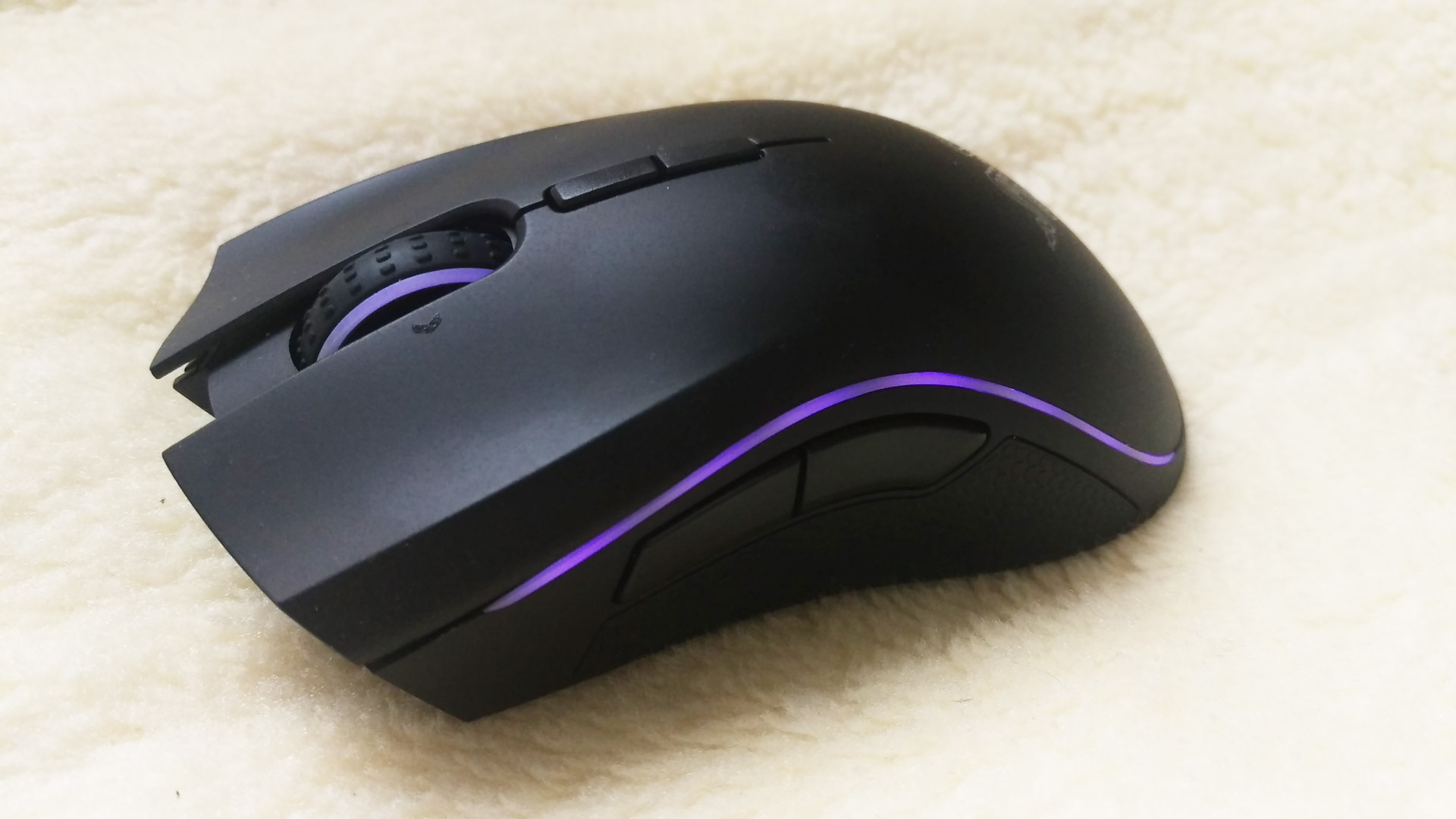
Razer have nailed the design, with a sleek black body, contours around the left and right buttons with subtle curves, the Mamba is comfortable to use even over extended sessions. Razer have also given the option for gamers to change the force required to press in the two primary mouse buttons, allowing you to adjust between 45 and 95 grams. Razer recommend using the lower settings for games which require a high number of clicks per second, such as MOBA and RTS whilst the heavier settings are more suited to FPS titles.

Testing out how many clicks I could do in 30 seconds on the highest setting saw 211 clicks, when on the lowest it was 223 clicks. Trying this a couple times I saw normally between a 10 – 20 clicks difference between to two actuation forces. This difference may seem small, but PC gamers will appreciate all the edge that their hardware can give them. It is also worth noting, the feeling was different at the two ends of the spectrum, but at 45 grams it was not too light, and at 95 grams it was not too hard. Both extremes on the spectrum were completely useable and really it comes down to personal taste on which settings you will prefer.
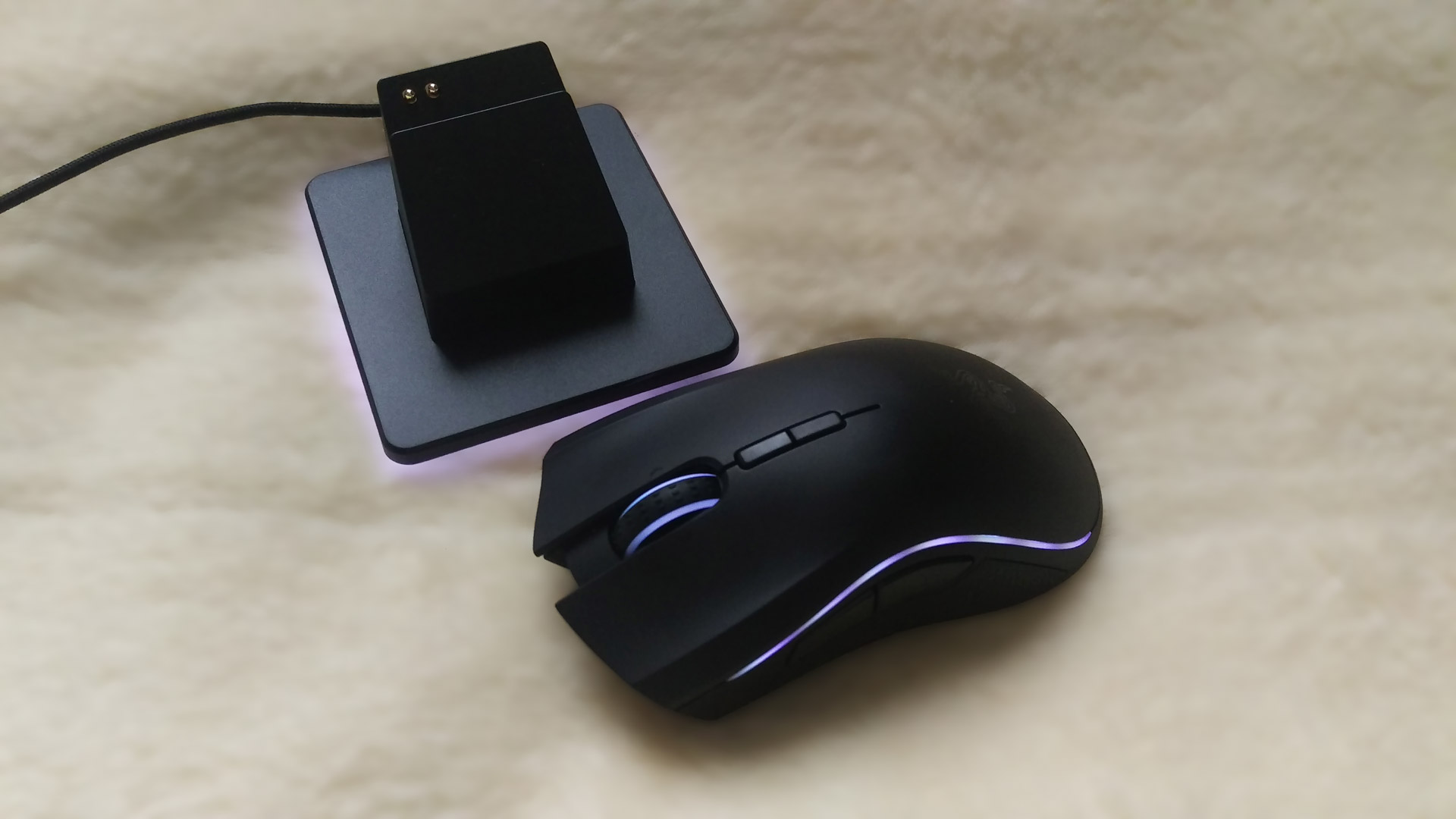
Battery life, is something that will always leave you wanting more. The previous mamba had a 16 hour battery life whilst the Ouroboros had a 12 hour battery life, so it is good to see an improvement with the new Mamba which Razer states should allow up to 20 hours of continuous gaming. The 1000hz or 500hz pooling rate would affect the battery consumption, as well as the lighting and response rate. So it could be said that tuning down the “extras” and the performance could save you a few hours but then why even bother having a fancy mouse?

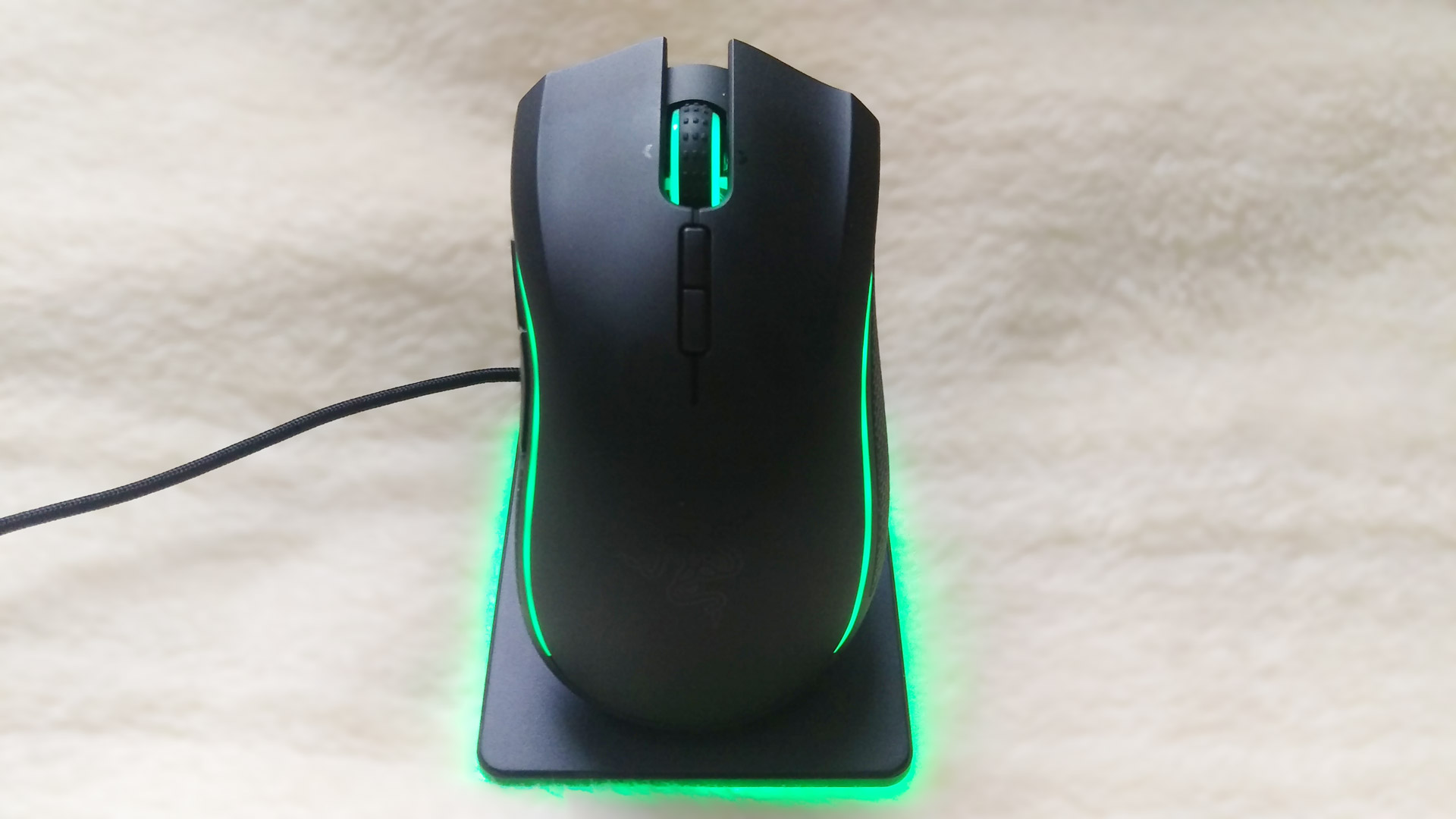
If you’re used to gaming with a wired mouse then having to charge the Mamba at the end of every day could come as a bit of a shock to you, but those who have been gaming with a wireless set-up will be used to this. Thankfully the Razer Mamba has the option to be used either wireless or wired. The same cable which plugs into the charging station can be used to connect the Mamba directly into your computer. In wired mode battery concerns go out the window, allowing you to go all out with the 1000Hz polling and maximum lighting effects.

The small details make a big difference to the premium feel of the Mamba, with the wired function standing out amongst them. Razer carefully designed the Mamba to ensure that when in wired mode, the braded cable was flushed against the mouse to keep the impact of the wire to a minimum. The charging dock minimalistic but clean with some nice lighting adding that extra something. The Mamba is also one of the most comfortable mice I have used, even suitable for users whose hands are on the larger side.

The 16,000 DPI sensor is from testing, quick and effective. Using the Mamba I played Battlefield 4, Bioshock Infinite, Divinity Original Sin, Fallout: New Vegas and Heroes of the Storm. Trying these titles out on a variety of different DPI settings, the Mamba felt accurate and the acceleration was not a problem. Trying different genres the mouse excelled at whatever task it was given be it an FPS, MOBA or RPG. While the click pressure changes did not suddenly make me a master sniper in Battlefield 4 it was a useful form of feedback and in games like Heroes of the Storm those clicks counted.

One of the slightly frustrating aspects of the mouse was switching between wireless and wired would always bring up a restart your machine prompt. It also had some difficulty recognising the mouse after a change and it would have to be unplugged and plugged in again. Testing this on another machine, the problem did not seem to happen but it is worth mentioning as set ups vary.

The Razer Mamba is priced at £134.99 / $149.99 so you’re paying top dollar but it does feel like a high quality, premium peripheral. The option to work in wireless and wired mode gives you best of both worlds, and the actuation force feature does make it stand out. It does have some little issues with battery life optimisation and was a bit funny driver wise on the setup we used to test it. These things aside though, it is the best wireless mouse Razer have made to date and one of the best on the market.

9
The Razer Mamba has a great feel, comfortable and works well in games but the wireless feature comes at a high cost and needs frequent charging.

Filed under: Razer Razer Mamba

Razer Release First Xbox One Keyboard & Mouse, Razer Turret
Razer Deals and Discount Codes July 2018
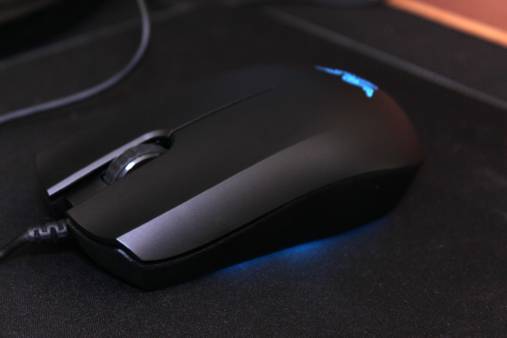
Razer Abyssus Essential Gaming Mouse Review
Razer Abyssus Essential Completes the Razer Entry-level Line
Razer Essentials Collection Review
Razer Hammerhead USB Type-C In-Ear Headphones Review
Razer Electra V2 Analog Gaming Headset Review
Razer Cynosa Chroma Gaming Keyboard Review
Razer Naga Trinity Gaming Mouse Review
Razer Celebrates SKT T1 with Licensed Mouse & Mouse Mat
Powered by Magic
  • VGU
  • Platforms
  • Features
  • Reviews
  • Games

© 2025 VGU.

Insert/edit link

Enter the destination URL

Or link to existing content

    No search term specified. Showing recent items. Search or use up and down arrow keys to select an item.