×
  • News
  • Reviews
  • Guides
  • Features
  • Videos
  • News
  • Reviews
  • Guides
  • Features
  • Videos
Log in / Register
HARDWARE REVIEW

Alienware R15 R3 Gaming Laptop Review

by Luke Walsh, April 9th, 2017

The newest line of Alienware laptops has followed suit with other major gaming laptop brands, incorporating the latest Nvidia graphics chips into their machines. Faster than the previous generation the GeForce 10 are up to speed with their desktop counterparts, making laptop gaming even more of a reality for those looking to convert.

Unlike other brands, Alienware have a simple model system, based on the screen size of the machine there are three models; Alienware 13, Alienware 15 and Alienware 17. Sometimes the latter will have more powerful insides to make it a more favourable options for gamers wanting to get the most out of their setup.

We reviewed the Alienware 15, which is the mid-range model in both size and price. It is fully customisable with a range of different hardware options starting at £1349 for the entry model, reaching over £2200+ for the top end of the line.

The model we had for testing was the higher-end version with the 1070 GTX graphics card, 16GB of ram and a 256GB SSD and an additional 1TB standard hard drive. We had the 1080p screen but for the Alienware 17 models, you can opt to get a 4K screen. We tried to see if it was available for the 15 but there did not seem to be any option (although the US versions can come with them it seems).

The most desirable outcome for any gamer is performance but without compromising on the size of the device. The Alienware 15 can come with any graphic card starting with the GTX 1050 Ti, 1060 and 1070 (the one included in ours). From the UK, you can’t mix and match the cards based on the selections given, so make sure to select the graphics card you want first, then choose your other options. From the lowest to the highest card, you are looking at an additional framerate boost of about 35-40%.

Most gaming laptops are not on the small side and the Alienware 15 is not different. It measures 25mm thick and weighs 3.5kg with a hinge that sits further forward than the main unit adding more size to the overall frame. The additional weight which is more than other gaming laptops comes from the advanced cooling built inside the laptop, as well as the larger battery to give you more game time away from power outlets.
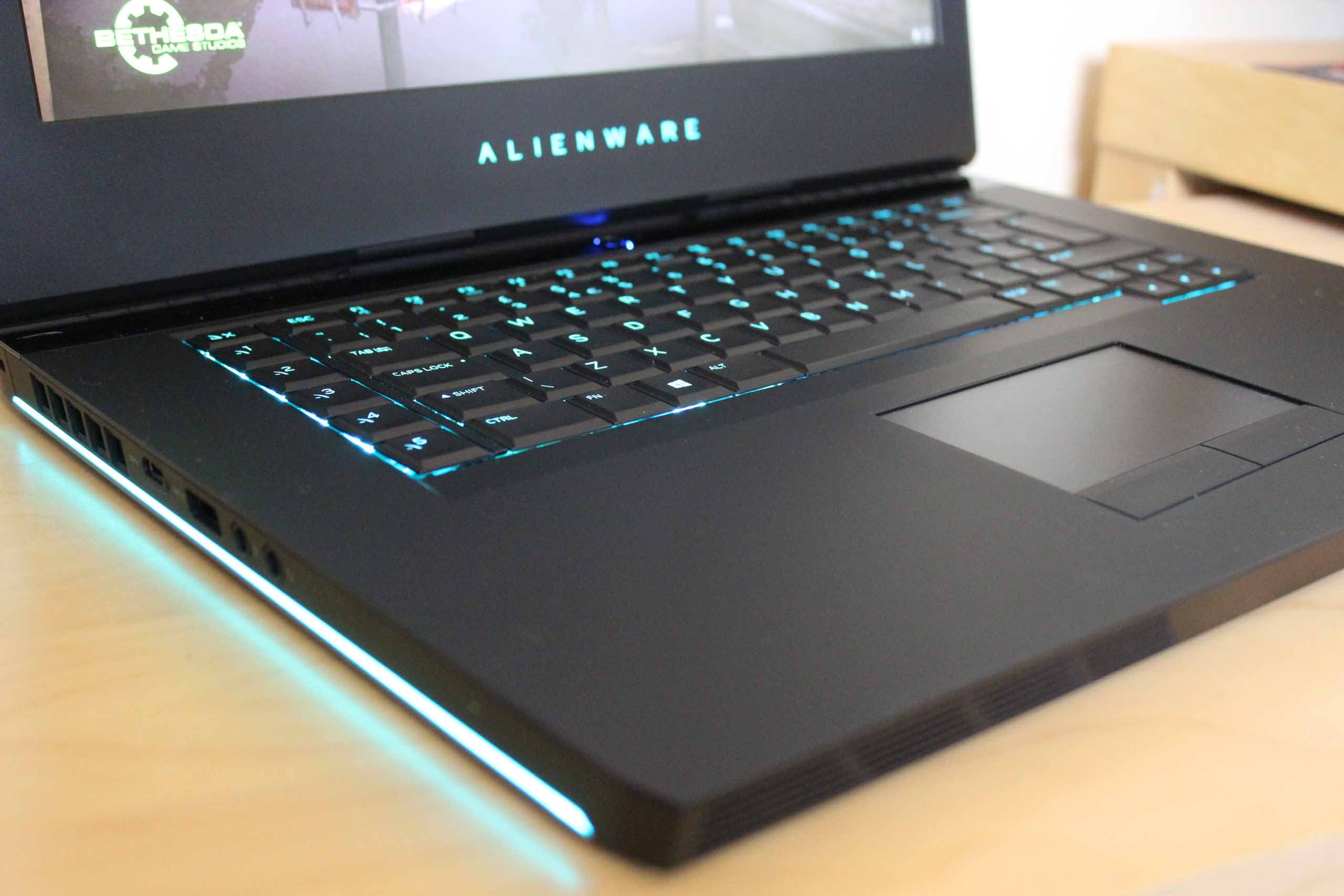
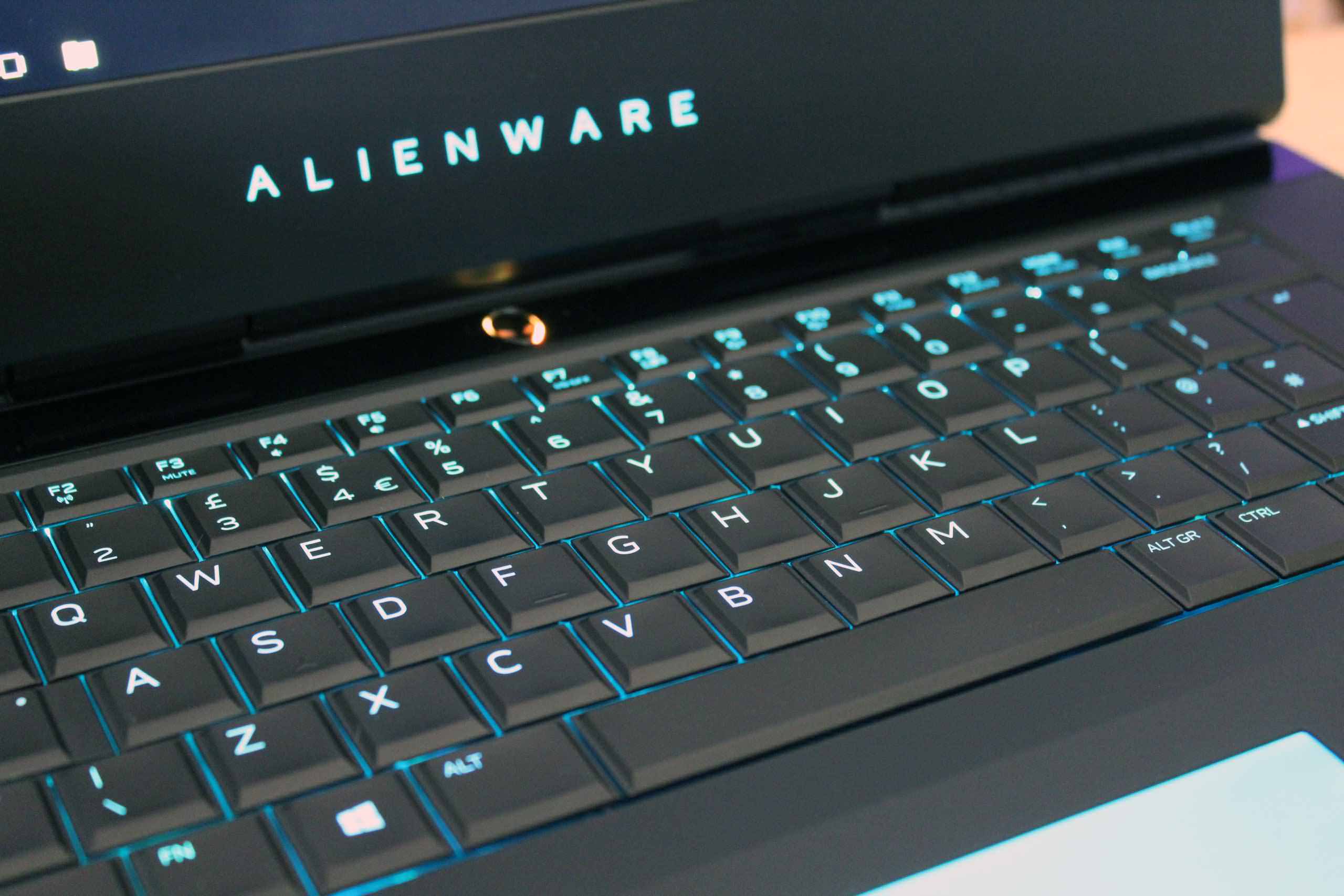
The sheer size of the unit is noticeable when you open up the laptop for the first time, there is a lot of space around the bezel of the screen and on the lower side, there’s  a lot of space around the keyboard and trackpad. With so much space, it makes the Alienware 15 less attractive as it just seems wasted. If you have the space available, it would be better used for a bigger screen or more options on the keyboard. If not, better layout of the keyboard would be an option as I often found myself hitting the macro keys close to the keyboard instead of the shift or escape key. Without looking, there is not much to differentiate between the areas of the keyboard but more than enough space to have come up with something.

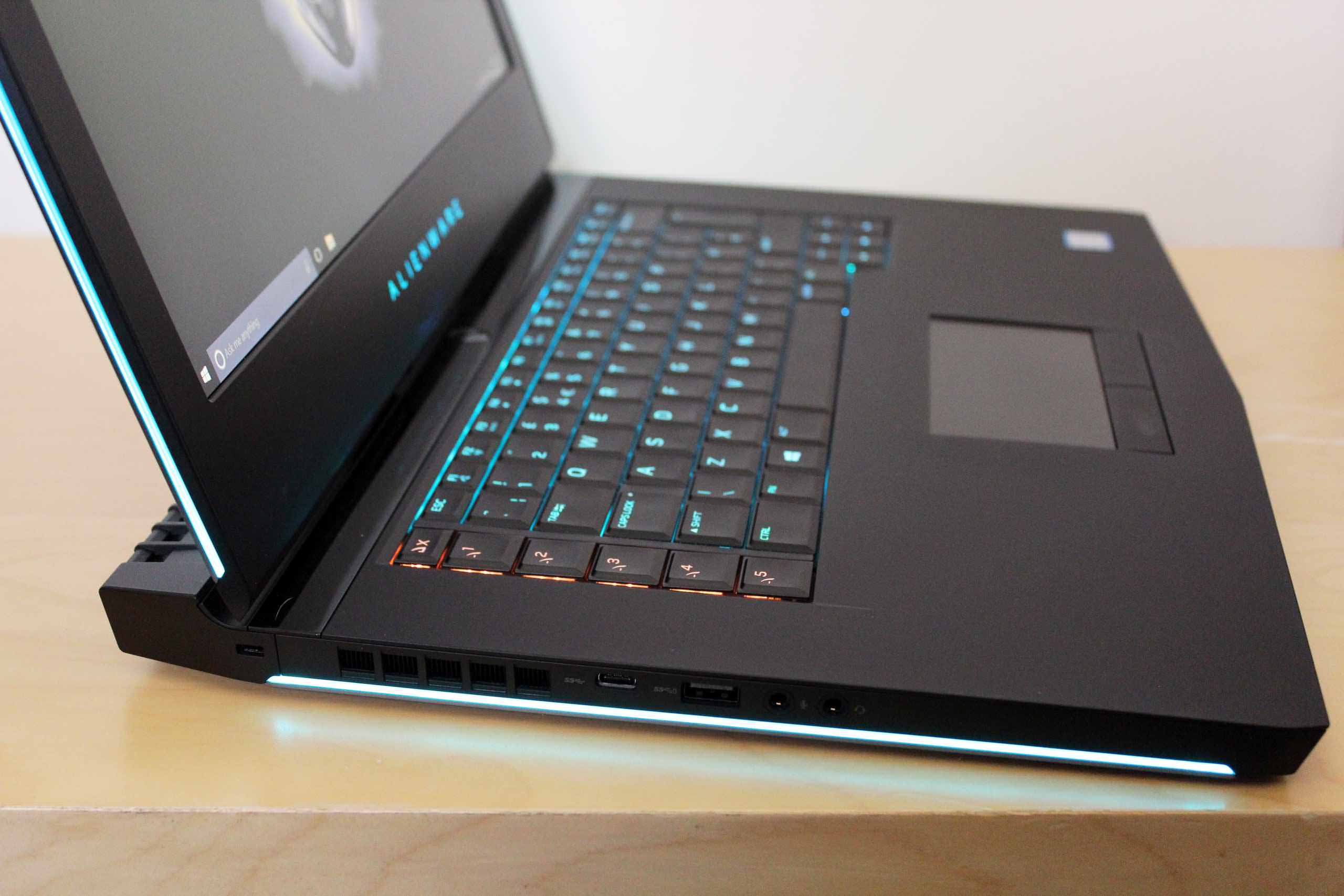
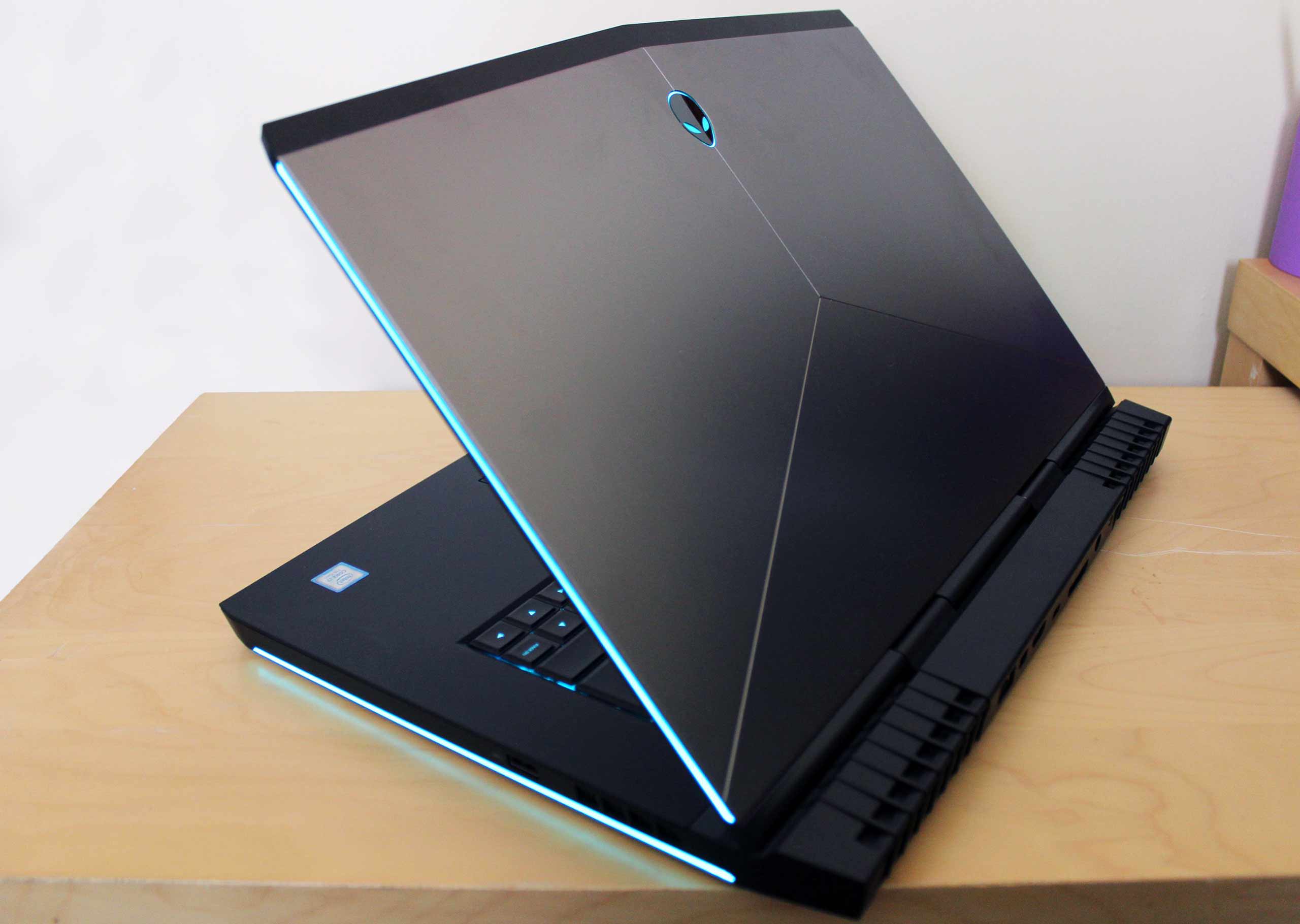
Style is comparable to other gaming devices, with Alienware’s traditional triangular shaped lid and sharp curves around the edges of the screen and chassis. Coming in a lighter black, it does look nice without any major issues of finger smudging but it does happen (they all do). Alienware has toned down the amount of “gamer aesthetic” to make it much more subtle than some others. Why manufacturers think crazy angles and more RGBs than you will need is “attractive” for a gamer is beyond me. Yes, it still has some light up effects on the sides of the chassis and screen, as well as the Alienware logo but it looks nice instead or gimmicky given the right colour scheme. If you are not a fan of the lighting you can also turn it off…if you can find the settings as I struggle, to begin with. Even without any lights on, the Alienware 15 looks great, maybe even a touch better.

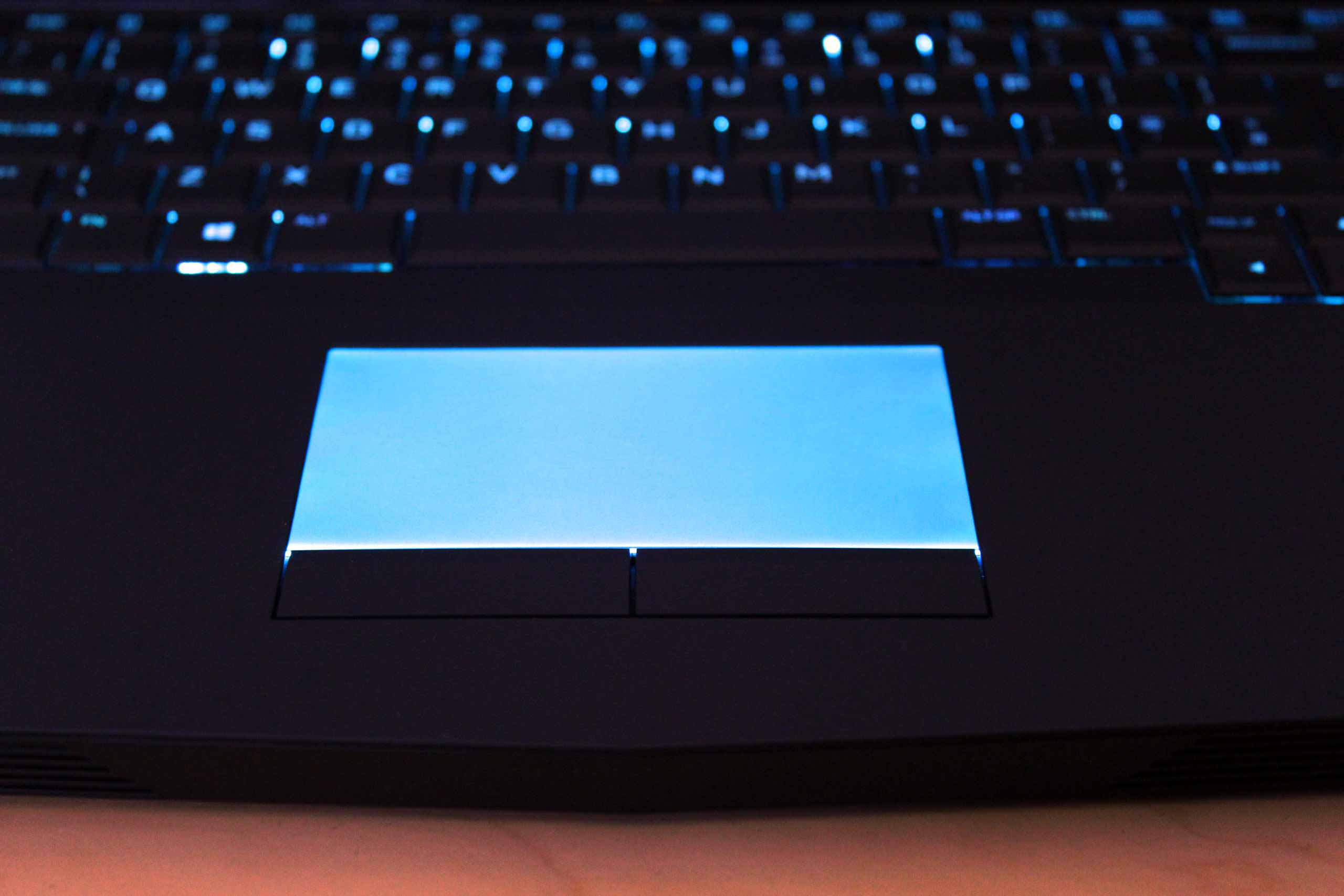
There are other lighting zones on the Alienware 15, one notably different is the touchpad when activated lights up in your chosen colour. You can change the colour of each zone to different colours of choice giving you enough personalisation to make sure you are not “out RGB’d” with the latest gaming trends.

Although heavy, it is sturdy and includes a solid hinge which should support enough strength for you not to have to worry when transporting it around. In reality, this machine is going to be attached to a desk as carrying around 3.5kg for most of the day is going to give you backache.

As mentioned though, the whole laptop sits a little way further forward to allow space for the cooling system. Along the underneath of the laptop is an array of cooling vents that will intake air and then push it around the system until it comes out the top, behind the screen. There are some additional vents on the back and another air intake on the side giving you a lot of air flow. At the front near the trackpad, you will find two speakers which are pretty loud but not much to shout about in terms of quality but they will do perfectly fine for most gamers.

Ports on the 15 R3 laptop have been designed with it in mind of sitting on a desk, with most of the ports at the back. You’ll find a Gigabit Ethernet port, the power connector, HDMI 2.0 port, a USB Type-C which supports Thunderbolt 3 and their proprietary graphics amplifier port. On the sides, you will find the USB 3.0 ports with the headphone jack and a single USB Type-C port. There is also a single USB 3.0 port on the opposite side.

The last feature found on the Alienware 15 R3 gaming laptop to mention is the two cameras at the top of the display which fully supports Window’s Hello. Using fast facial recognition to log you in, just open up the lid and you will be logged in almost instantly ready for action.

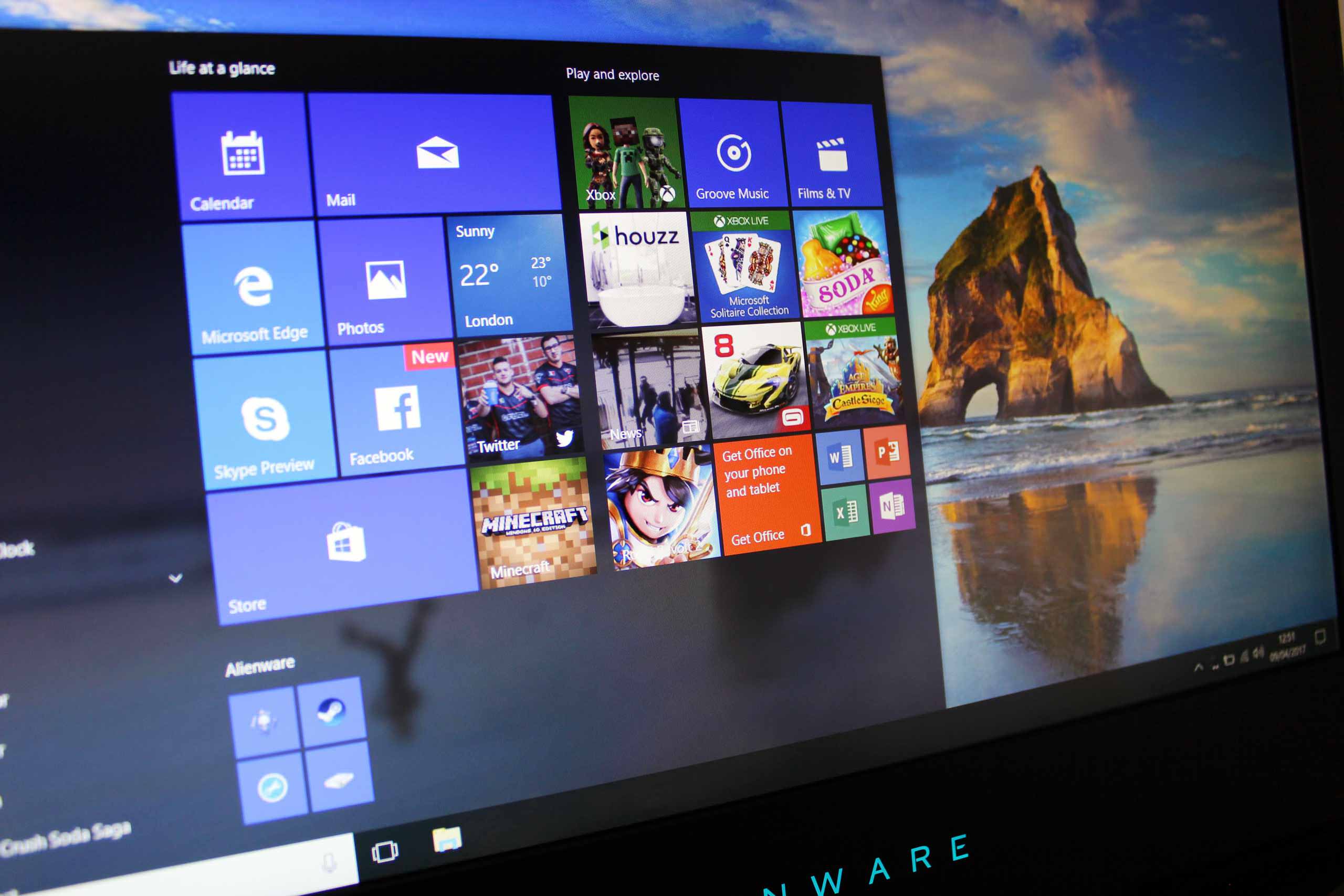
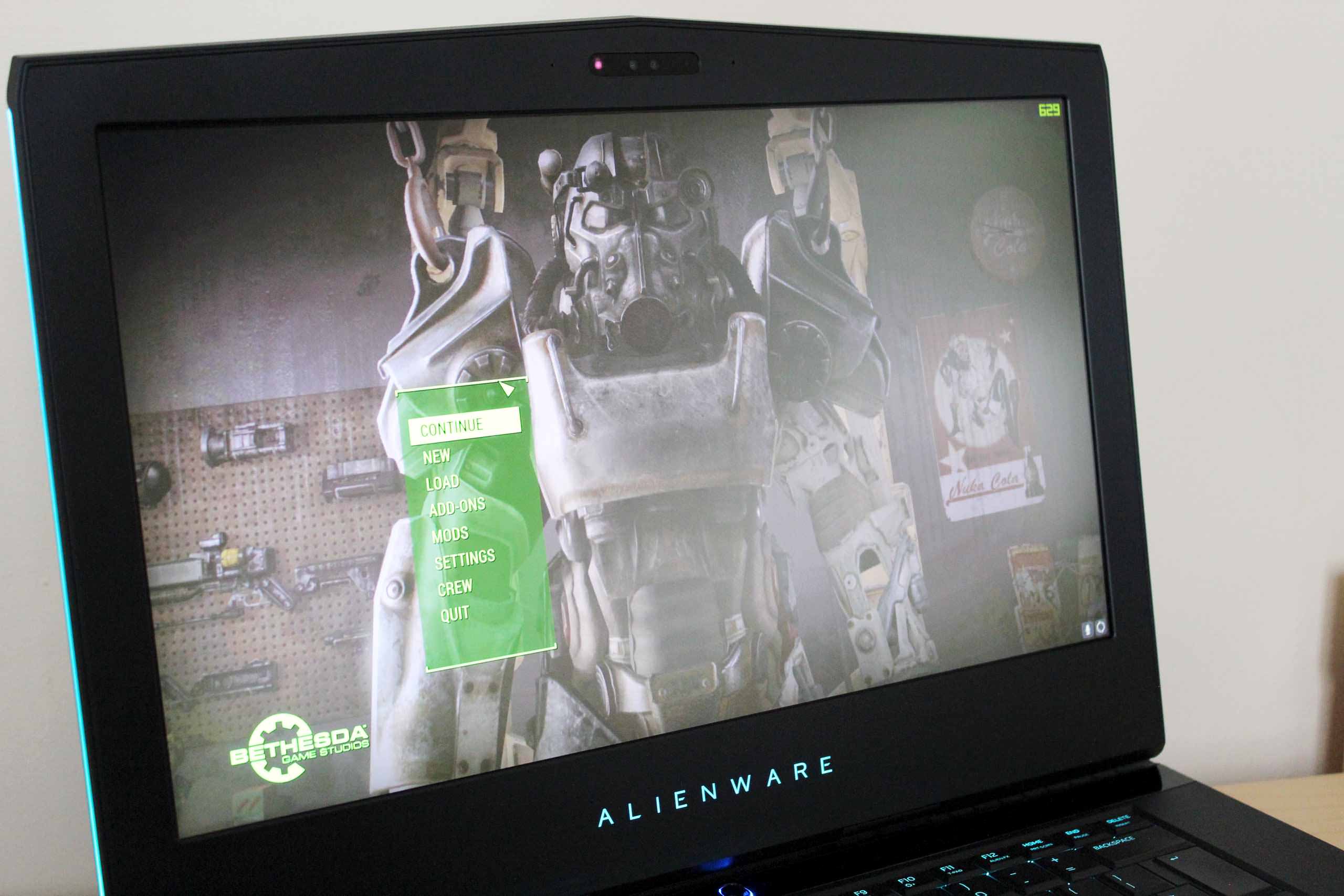
Looking at the screen, it comes equipped with a 15.6-inch display that has different resolutions depending on the model you get. The Alienware 15’s on the Dell website, does not offer 4k but the Alienware 17’s do. Ours came with a 1080p TN LCD panel with 141 PPI and is 120Hz with G-Sync but the base units will come with a IPS panel which is 60Hz.

The TN panel like others are more for performance than picture accuracy. The brightness is good, creating a clear picture but the contrast ratio is only 800:1 which makes for poor blacks. Viewing angles on the Alienware 15 are fine for a TN display but they could be better as you’ll want to be centre on for the best image. The colour performance is pretty bad, at default it is completely off across the spectrum, if you want better colours you will want to opt for the 60Hz IPS panel instead. You can improve the colour accuracy by using a monitor calibrator but it will come at the loss of some screen brightness, taking the contrast ratio down even further.

Of course, performance is a gamer’s friend and this is why the choice between the IPS panel and TN panel exists. Having 120Hz refresh rate improves the smoothness and speed of games compared to the 60Hz version. Fast paced games such as shooters and racing games are where the difference becomes more noticeable as the extra framerates not only make the picture better but also allow quicker reaction times on the enemy. With G-Sync on top as well, this removes screen tearing making lower framerates still feel smoother and when you want to max out the settings. Sitting at 40FPS and still being able to enjoy a smooth ride is important for many gamers.

Going to the keyboard, you will get the standard sized keys with a normally sized space bar, enter key and shift keys which are better than the more portable options that are on the market. The layout is okay but the biggest issue I faced was the closeness of the macro keys and the other parts of the keyboard. It was far too easy to become mixed up between the two making it much harder to keep your mind on the “edges”. The Macro keys are useful for MMO gamers but as there are also function keys, so they might not be used. With the key at the top of the Macro keys, you can swap the Alienware TactX profiles giving you more options if you choose to use them. The trackpad works well and does not feel like plasticy which is better than most. Out and about you should be fine with it but most of the time, you’ll be plugging in a gaming mouse anyway. If not shame, shame on you…go out and get one.

Alienware 15 R3 Benchmarks

Below are the different results from the tests we ran on the Alienware 15 laptop with the GTX 1070 Card.

Firestrike

13206

Bioshock Infinite

Ultra – 120fps

High – 137fps

Medium – 155fps

Dishonored 2 

Ultra – 55fps

High – 66fps

Medium – 82fps

Fallout 4

Ultra – 64fps

High – 85fps

Medium – 126fps

The good news is, the Alienware 15 R3 performs on all the latest games you’d be thinking of playing flawlessly, and the older games are even easier. With the GTX 1070 it had a lot of raw power to use which adds up to the big frame rates you can see in the tests above.

The let down is the noise from the cooling, considering how big it is, there is still a lot of heat being generated by the GPU and in turn, makes a lot of noise trying to cool it. Running at around 78-80 degrees when gaming on the highest settings, this would probably get even higher if the average room temperature increases such as gaming in the summer. If you want to drown out the fans you’ll need to make sure your speakers are turned up quite a bit.

Once the does heat get kicked up a notch, you will start to feel it under the keyboard. There must be some better cooling around the WASD keys compared to the outer edges as it is much cooler. This is probably not a happy coincidence but a design choice. As most gamers won’t move away much from WASD, then the heat can be dissipated elsewhere without causing too much discomfort while gaming. If you are coming from a desktop set up, it might be offputting at first feeling heat from the keyboard. Luckily, there is not too much probably about 25ish degrees on the WASD keys making it only fairly noticeable.

The Alienware 15 R3 is a decent gaming laptop and with the GTX 1070 graphics card, it is a powerhouse of a machine being able to deliver unparalleled performance for gaming. It has a decent array of hardware for a reasonable price, making it something consumers would look for.

Personally, I’ve liked the look of Alienware laptops for a while but the newer generation is getting better by becoming more sleek and subtle in their designs, without going over the top with flashing lights and pointless add-ons. The plastic casing is a decent material but there is a lot more than I’d have liked. With the metal top staying more true to the older designs we have seen in the past, adding a touch of contrast to the all-black frame is a bonus. If you are one for colour, then the customisable lighting around the edges, on the keyboard and mouse pad will do you a solid favour.

Although there are other combinations of the 15 R3, the one tested with the GTX 1070 and Intel i7-7700 seems to be one that will make pretty future proof. I could see myself being able to game on this for 3 to 5 years before needing to think of upgrading for higher specs. If you are looking to save some money though, the GTX 1060 / i7 6700HQ version will still pack a decent punch to keep you going for some time and save you a few hundred pounds.

Just don’t be expecting to carry around the Alienware 15 much as it is one heavy beast and something designed probably to sit more on your desk with the way the ports have to be configured at the back. I’d stay away from the lap element too as it does get very hot and can make a noise closer to an aeroplane taking off when in full gear. This should not turn off a wide range of gamers who are used to graphics cards pumping out a lot of noise from fans. If you are like me, however, using a water cooled system, it might be more than you are used to. Safe to say, the built-in speakers are more than capable of drowning out the noise.

With the reviewed Alienware 15 R3 containing an i7-7700, GTX 1070, 16GB RAM 256GB SSD and a 1TB HDD with a 1080p display it would set you back £1880. Which when compared to our review of the Razer Blade 1060 Pro 2016 model you are getting a little more power for your money in the Alienware but not overall finish. If you are looking at getting into laptop gaming, the entry level model is worth looking at on a smaller budget as the 1060 GTX will play all the same games. If you do want the extra power the reviewed model is definitely worth taking a look at, albeit a tad pricey, so do some shopping around.

8
The Alienware 15 R3 gaming laptop is probably one of the most attractive "gamer" laptops keeping it from looking gimmicky. Backed up by some powerful components it will play games easily but at the cost of noise and quite a bit of heat from its heavy frame.

Filed under: alienware Alienware 15 R3 gaming laptop GTX 1070

Alienware Area 51 R6 GTX1080 (2018) Review
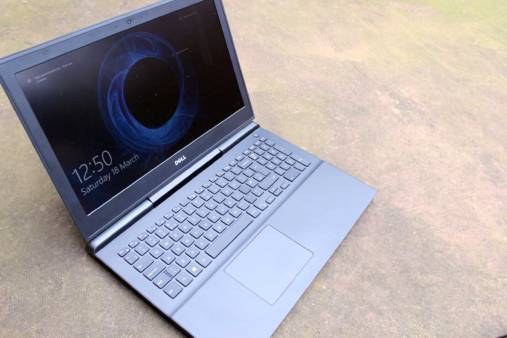
Dell Inspiron 15 7000 (7577) Gaming Laptop Review
Alienware AW768 Gaming Keyboard Review
Alienware Aurora R6 Gaming PC Review
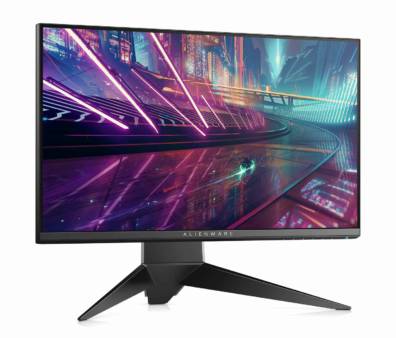
E3 2017: Dell Announce Alienware Monitors, Keyboards & Mice
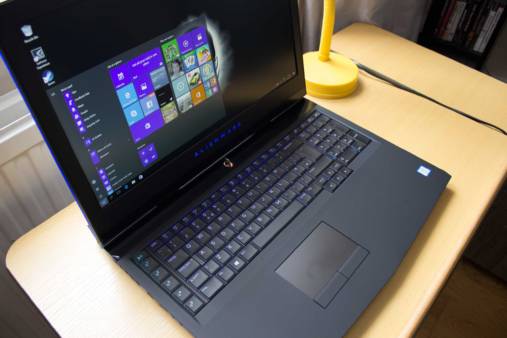
Alienware 17 R4 Review
Dell Inspiron 15 7000 Gaming Laptop Review
The Future of Dell’s Gaming Laptop Range – Interview with Daniel Charbit
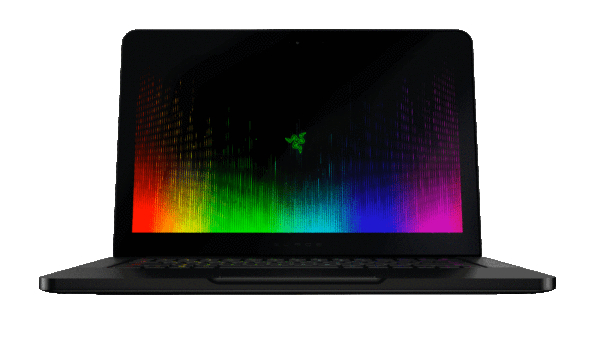
Razer Release Faster and Sleeker Razer Blade Featuring Kaby Lake Processor
Wildstar Closed Beta Starting This Weekend
Powered by Magic
  • VGU
  • Platforms
  • Features
  • Reviews
  • Games

© 2025 VGU.

Insert/edit link

Enter the destination URL

Or link to existing content

    No search term specified. Showing recent items. Search or use up and down arrow keys to select an item.