×
  • News
  • Reviews
  • Guides
  • Features
  • Videos
  • News
  • Reviews
  • Guides
  • Features
  • Videos
Log in / Register
HARDWARE REVIEW

Razer Orbweaver Review

by Luke Walsh, December 3rd, 2015

The Razer Orb Weaver is not your usual gaming peripheral, catering to a specific set of gamers looking for a gaming-specific keyboard with the extra fat trimmed away. These half-keyboards / gaming keypads are designed to fit into your hand with programmable controls that can be customised to your liking and style of gameplay.

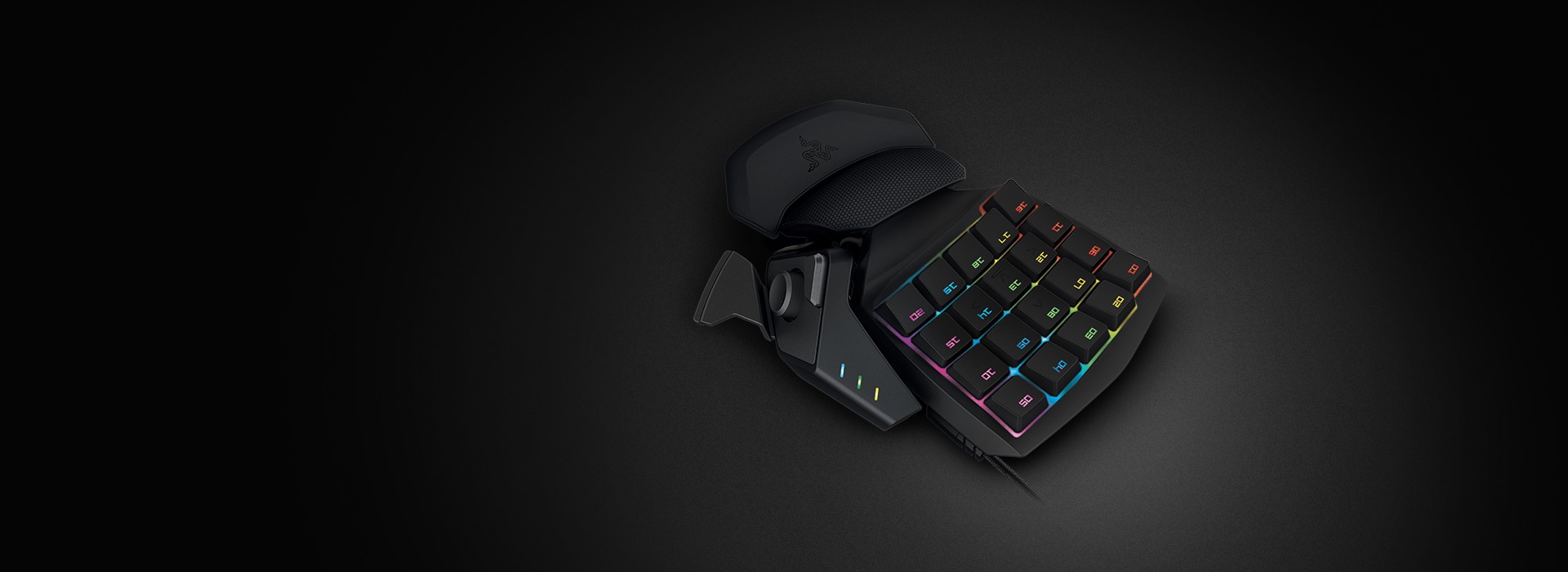
Right off the bat, the Orb Weaver weighs in at 299 grams and measures 24.8 x 20.4 x 10.4 cm making it one of the smaller half-keyboards on the market. Design wise, it has a unique high-profile palm rest which is slightly curved to offer better comfort. Three different adjustable parts allow for you to set it into a comfortable and natural resting position. On the underside, large rubber feet make it really stick to any normal surface you could imagine gaming on. Playing an intense game of Battlefield I was surprised how hard you could push it without it moving, it allows you to be natural in your movements without the worry that it will slip at a crucial moment.
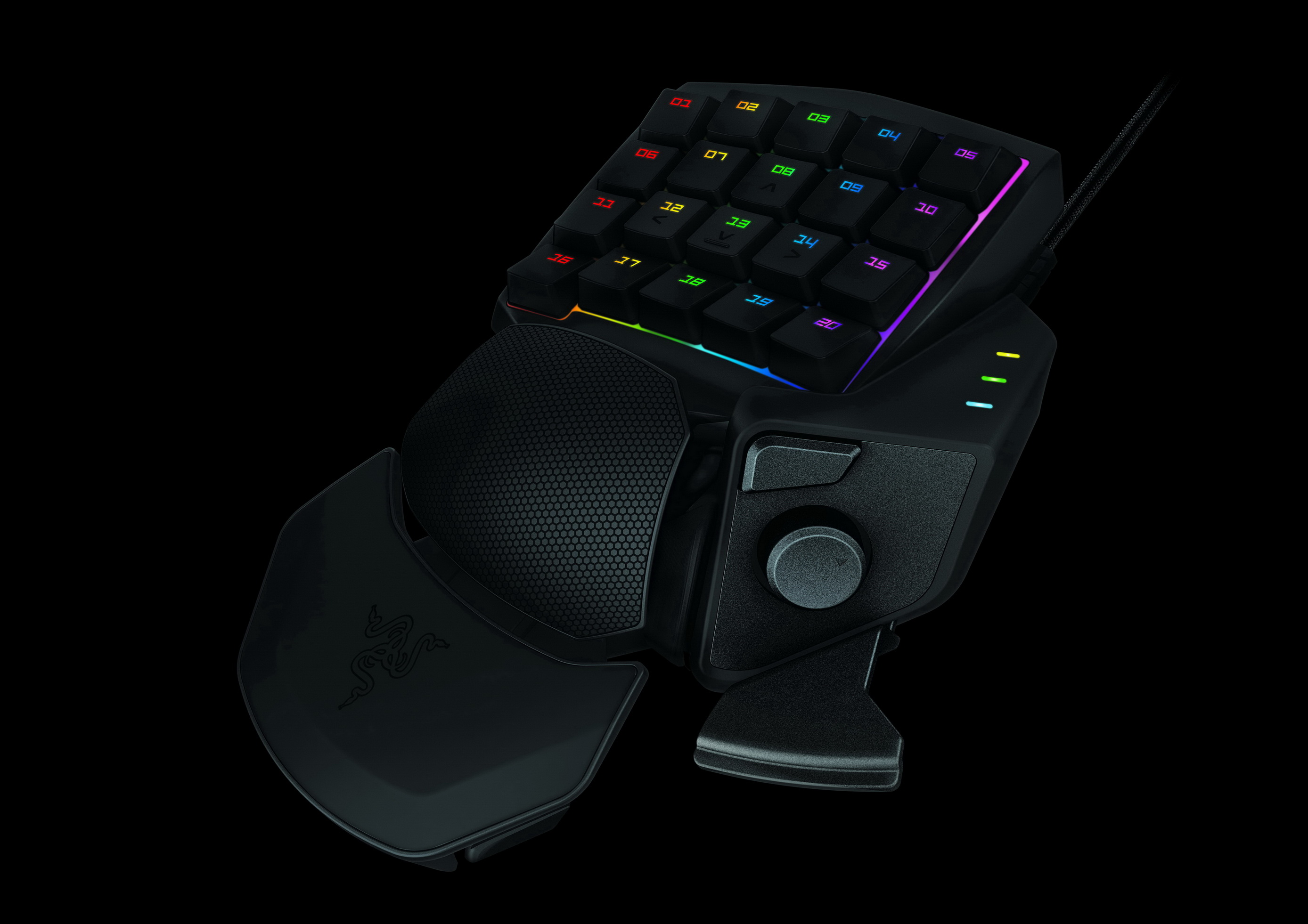
As the Orb Weaver is designed support your wrist and palm, it allows you to play for long periods of time without fatigue. Using it over a keyboard (without an arm rest) it showed quite quickly how the design enabled longer gaming sessions, and I did not feel strain that happens after a long session with a keyboard and mouse.

The keyboard includes 20 programmable buttons, with the ones directly in the centre positioned exactly where your fingertips fall by default being set to the WASD keys. All the keys are mechanical with a short actuation point and pressure needed, which is great for the quick responsive feeling. Having so many buttons so close together can be a problem though, as you are always looking at the screen, the only physical indication is a small notch on the ‘S’ key. A missed opportunity to make the Orb Weaver stand out would be better differentiation of keys on the fly. Separating the WASD keys in some way from the other macro keys would probably be the biggest noticeable change. The small nub just does not work well in the heat of a game. On top of the programmable keys there is also an 8-way direction thumb stick and two thumb buttons, all of which can be programmed to suit your needs.

The two-piece palm rest enables you to change the horizontal position by sliding it closer or further away from the keys as well as the angle of the soft textured palm rest. While the thumb stick and buttons can also be independently moved closer or further from the main body.

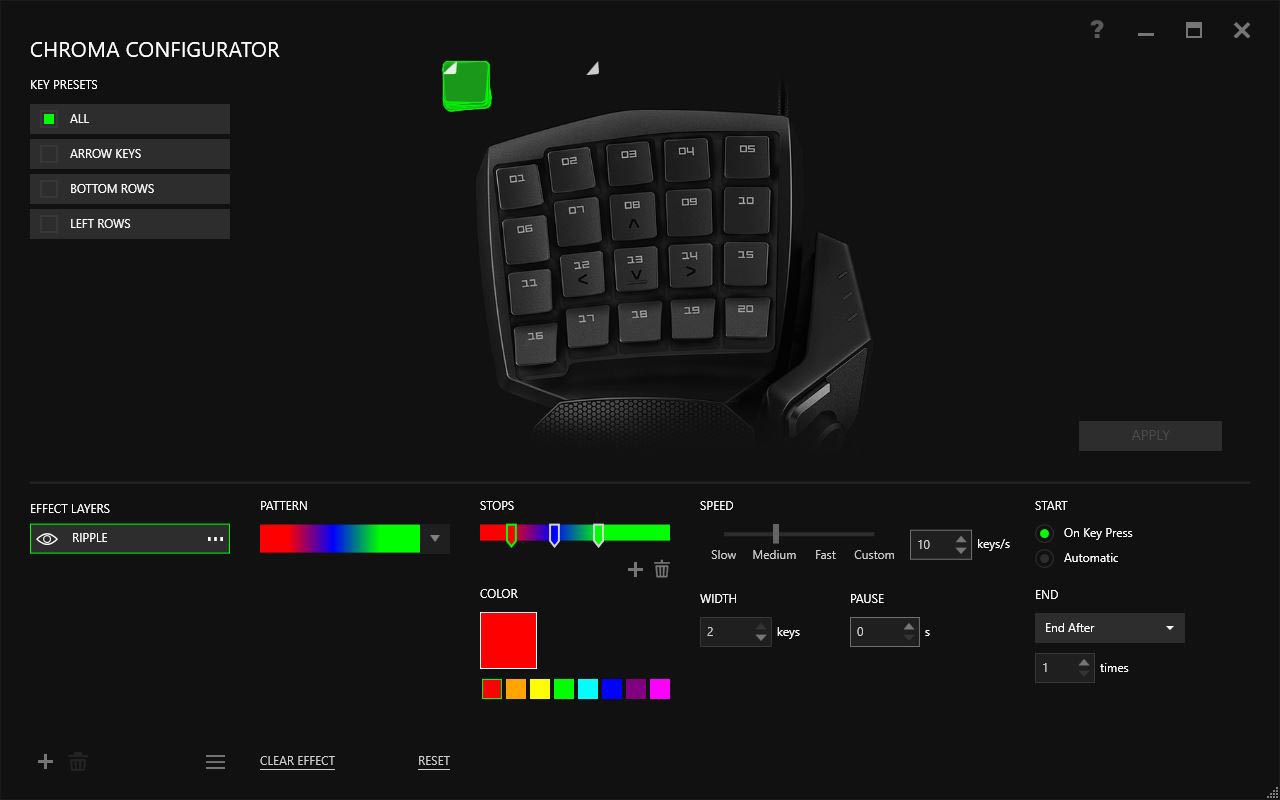
Using the Razer Synapse 2.0 you can remap the keys to your liking, save custom profiles, change the lighting styles and switch between eight different key maps for multiple games on the fly. Key mapping is not something I have personally used that much but inside an MMO such as Guild Wars 2, setting up keys for traps on my Ranger character and the heal button was much easier using the Orbweaver when compared with a standard keyboard. Battles felt easier not having to stretch across the keyboard while trying to move.

Looking more into the performance, I tested the gaming keypad using Battlefield 4, Guild Wars 2 and Heroes of the Storm. Using the Orbweaver is quite natural, the controls were intuitive and responsive in all the three games. In action, I had some problems knowing where my fingers were at any one time, which did cause the occasional wrong key press. The thumb controls were easy to use and being able to independently move them allowed for the best fit to prevent accidental clicking.

Going back to keyboard after using a dedicated device like the Orbweaver would be difficult. The additional comfort and support is levels above a standard keyboard and even adding a keyboard wrist rest still does not come close. Razer’s Orbweaver is probably the most comfortable gaming peripheral’s I have tested and something which is a benefit to your gaming hardware collection, rather than just a gimmick. It might be a little pricey for some at £89.99 (down from £114.99) but if you want to concentrate on your A game, consider buying the Orb Weaver as I don’t doubt you will be disappointed.

8
The Razer Orbweaver is an impressive and comfortable peripheral that is actually useful and not gimmicky in a variety of games. Its only downfall is the inability to distinguish quickly between the WASD keys and other programmable keys.

Filed under: Razer Razer Orbweaver

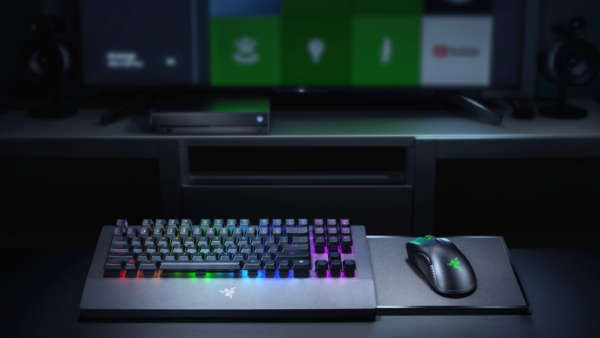
Razer Release First Xbox One Keyboard & Mouse, Razer Turret
Razer Deals and Discount Codes July 2018
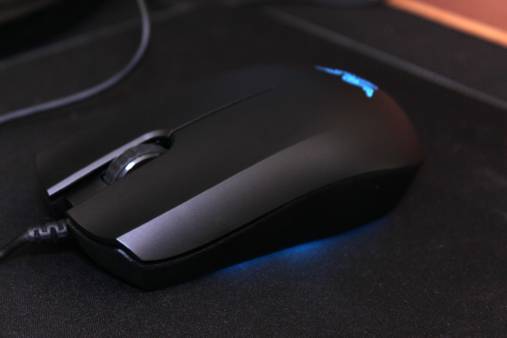
Razer Abyssus Essential Gaming Mouse Review
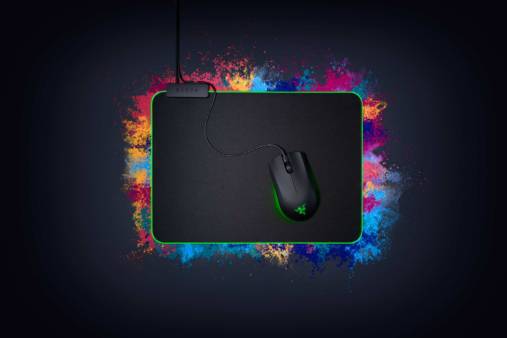
Razer Abyssus Essential Completes the Razer Entry-level Line
Razer Essentials Collection Review
Razer Hammerhead USB Type-C In-Ear Headphones Review
Razer Electra V2 Analog Gaming Headset Review
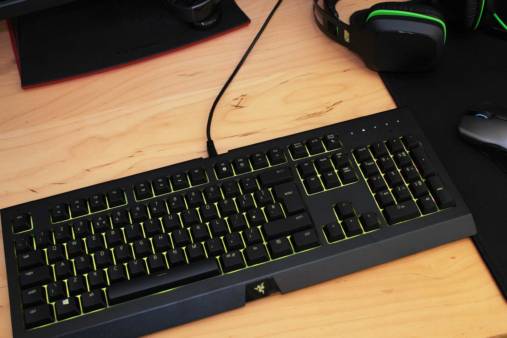
Razer Cynosa Chroma Gaming Keyboard Review
Razer Naga Trinity Gaming Mouse Review
Razer Celebrates SKT T1 with Licensed Mouse & Mouse Mat
Powered by Magic
  • VGU
  • Platforms
  • Features
  • Reviews
  • Games

© 2025 VGU.

Insert/edit link

Enter the destination URL

Or link to existing content

    No search term specified. Showing recent items. Search or use up and down arrow keys to select an item.